Delete your account
What gets deleted, what happens to any active subscription, and why there's no undo.
Before you delete
Export your full library from Settings if you want a copy — see "Export your data." Once deletion completes, there's nothing left to export.
How to delete your account
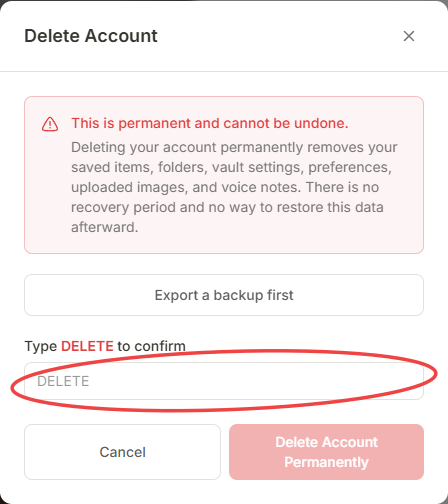
Go to Settings and find Delete Account.
Type DELETE exactly, to confirm you mean it.
Confirm. Deletion happens immediately.
What happens
- Any active Pro or Team subscription is canceled through Stripe as part of the same process — you won't be billed again.
- Your account and all associated data are permanently removed.