Install the Android app
Trezio for Android, and what to use in the meantime on iOS.
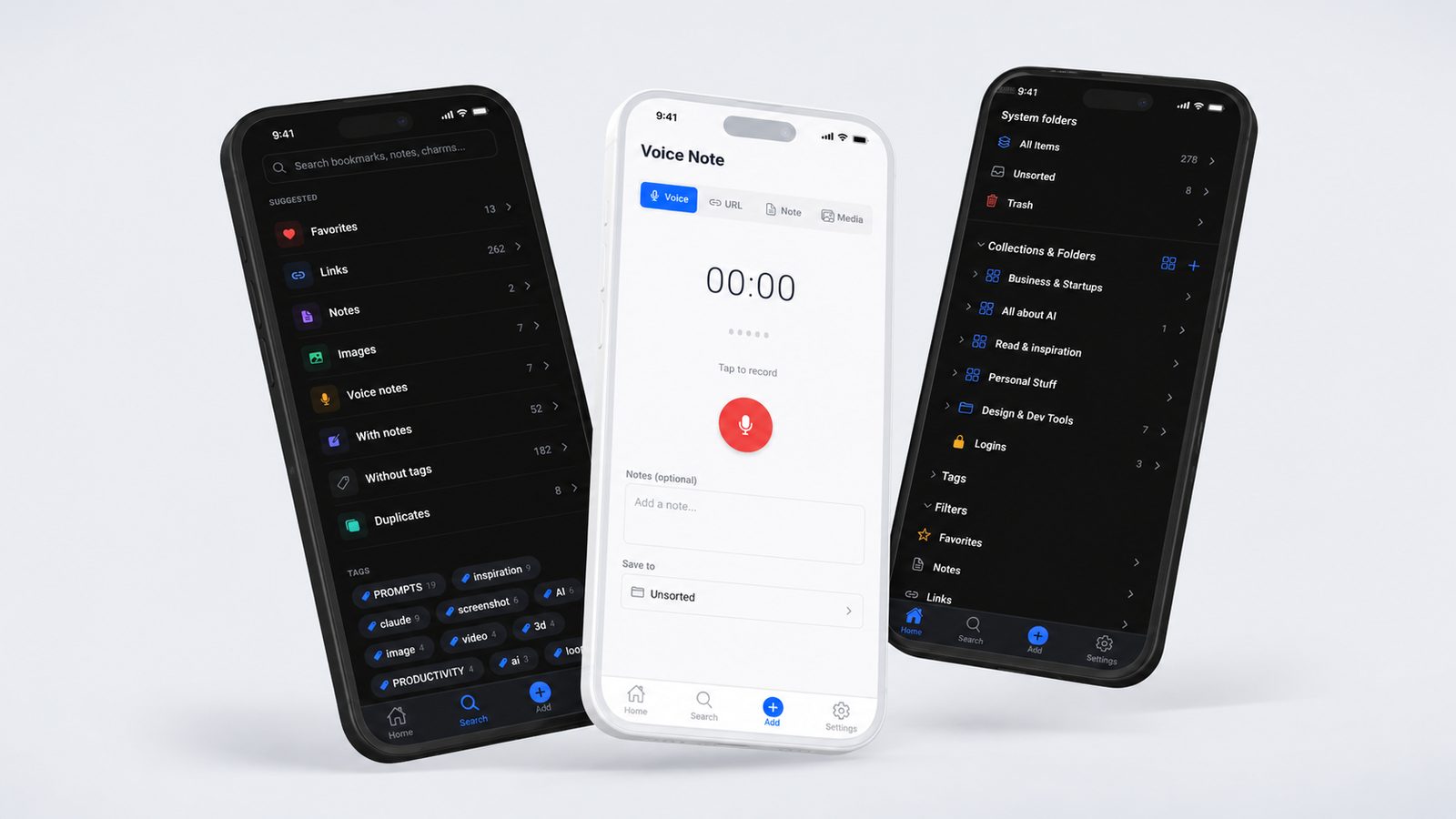
Trezio for Android is a real native app — it's not a wrapped version of the website.
Install it
Get it from the Google Play Store, or just visit trezio.app/android from your phone, which redirects straight there.
What it does
Save links, notes, images, and voice notes; browse and search your whole library; unlock your Vault; and save from almost any other app using your phone's share sheet.
Save from any app with the share sheet
This is the fastest way to use Trezio on your phone, and it works from practically anywhere — X, Chrome, YouTube, Reddit, your notes app. You never have to open Trezio first, copy a link, or switch apps.
In whatever app you're using, tap Share on the thing you want to keep.
Pick Trezio from the list of apps in the share sheet.
Trezio opens on the Add screen with the link already filled in. Choose a folder if you want one, then save.
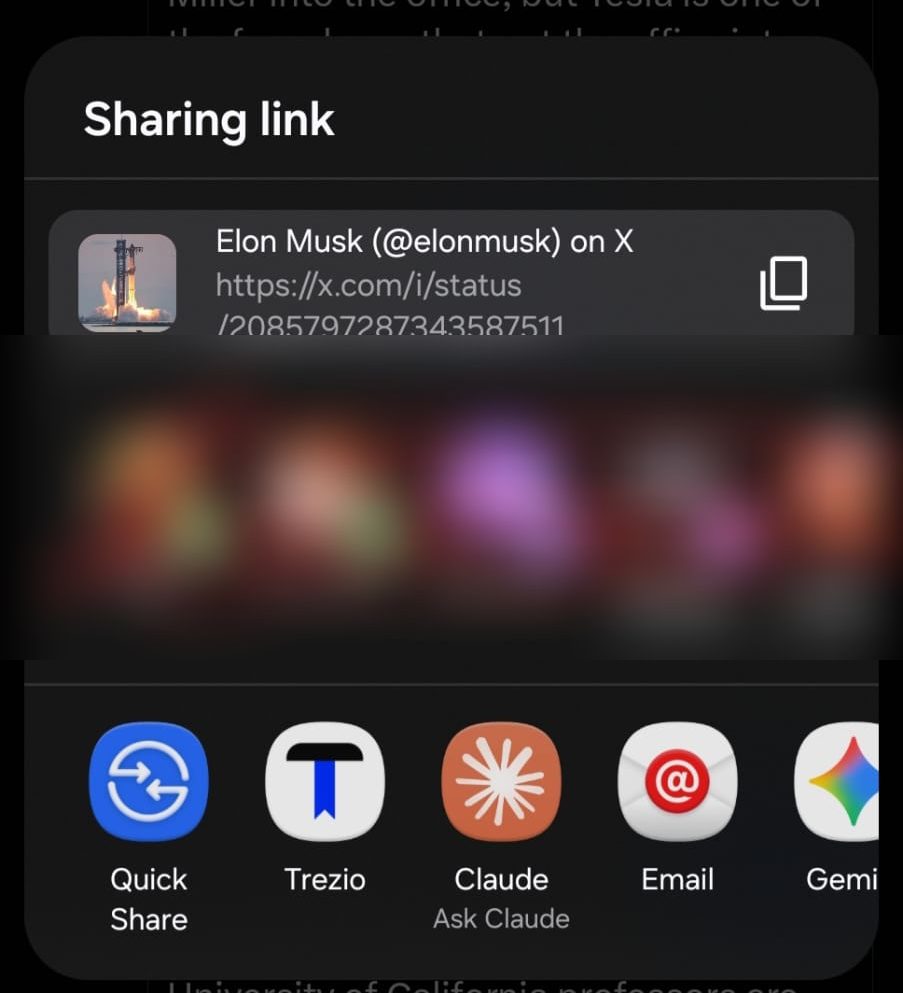
If Trezio doesn't appear in your share sheet straight away, share something once and Android will start surfacing it; some phones also let you pin favourite apps to that row.