What the Vault is
The part of Trezio built specifically to protect login credentials — and what it does and doesn't cover.
When you save a screenshot of a login page, you can attach the username and password to it. That credential goes through a separate, much stronger protection than the rest of your library: your Vault.
What is actually encrypted
Credentials you save to the Vault are encrypted on your own device with AES-256-GCM before they ever reach Trezio's servers. The key comes from your master password, run through PBKDF2 600,000 times — expensive enough to make brute-forcing it impractical even if the database were fully compromised. Every credential gets its own random encryption pass, so saving the same password twice produces different ciphertext both times.
Why it's scoped this way
Encrypting your entire library the same way would break search, AI summaries, and thumbnails — all of which need the server to be able to read the content. Credentials don't need any of that. Nothing needs to search inside a saved password, so nothing needs to read it either.
Two separate locks
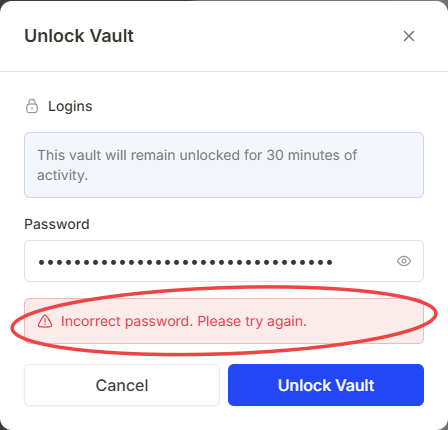
Your master password is one lock — it encrypts saved credentials specifically, wherever they live. Folder vaults are a different lock entirely: a password-protected folder (hashed with bcrypt) that gates who can open the folder at all. They are independent systems with independent passwords and independent auto-lock timers, and you can use either on its own or both together.
| Account password | Master password | Folder vault password | |
|---|---|---|---|
| Protects | Signing in to Trezio | Saved login credentials | One specific folder |
| Can be reset | Yes, by email | No — never | Yes, from Settings → Security |
| Set up where | Sign-up | Mobile app or browser extension | Anywhere, when creating a vault folder |