Introduction
Welcome to Trezio — what it does, everything you can save, and the features worth knowing about on day one.

Welcome to Trezio. It's a place to save the things you find and actually want back later — links, notes, screenshots, voice recordings — built around one stubborn idea: saving should take a second, and finding should never take longer than remembering.
Most bookmark tools are good at swallowing things and bad at giving them back. Trezio is built the other way around. Everything below is included on the free plan unless it says otherwise.
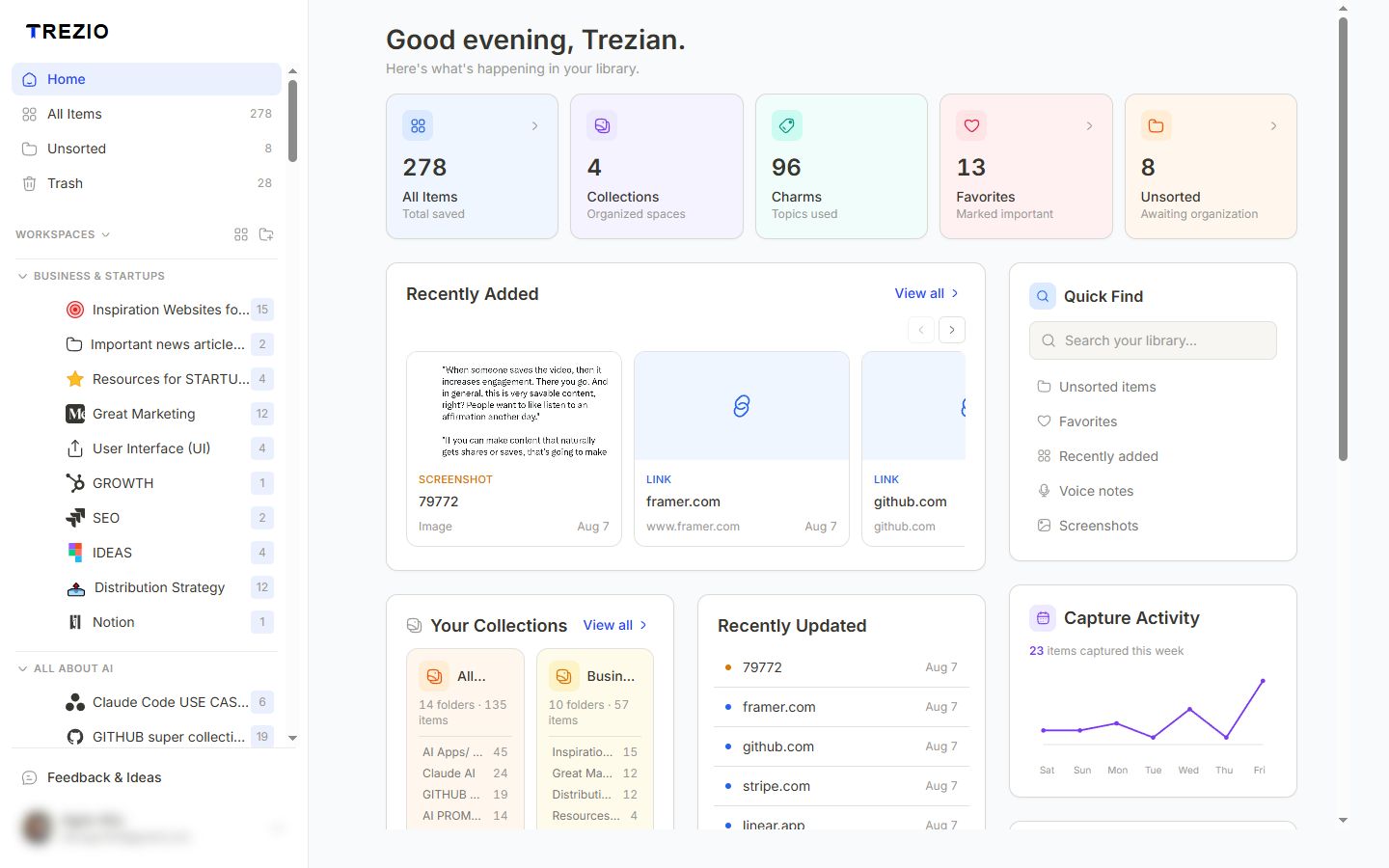
Everything you can save
| Type | What it's for | Where you can create it |
|---|---|---|
| Links | Any URL. Title, description and thumbnail fill in automatically. | Web, extension, mobile |
| Text notes | A thought or snippet that isn't a URL. | Web, mobile |
| Voice notes | Talk instead of typing — transcribed automatically. | Web, mobile |
| Screenshots & images | Visual references, receipts, login screens. | Extension, mobile |
How it stays organized
Folders nest as deep as you like — but folders alone always break down eventually, so Trezio pairs them with charms: short tags that behave like filters rather than rigid categories. One item can carry as many charms as it needs, and nothing has to live in exactly one place.
- Folders — nested as deep as you want, with custom icons.
- Charms — flexible tags. Filter by one, or stack several.
- Favorites — star the handful you reach for constantly.
- Views — cards, list, or masonry, whichever suits what you're looking at.
Search that understands what you meant
Search reads the full text of your notes and voice-note transcripts, plus titles, descriptions, links and tags. It doesn't search inside the web pages you save. And when a literal keyword search comes up short, Trezio quietly adds semantic matches: results that mean what you asked for even when they don't contain the words you typed. Literal matches always come first, so semantic results add to your results, never scramble them.
The features people miss at first
These are the ones worth knowing about early, because they change how you use everything else.
- Reminders — schedule an email nudge on any saved item, so "I'll read this later" actually happens. Three active reminders on the free plan, unlimited on Pro.
- Voice transcription — record a voice note and Trezio transcribes it automatically, which also means your spoken notes become searchable text.
- AI summaries and tag suggestions — available on demand from an item's edit view. Never automatic, never running behind your back.
- ShareSpace — make any folder public and share it with a clean link. Visitors can browse it without an account, and clone it into their own Trezio if they want it.
- Google Drive sync — back your media up to your own Drive, or pull files in from it. Pro and Team.
- Import and export — bring bookmarks in from Chrome, Firefox, Safari or Raindrop.io free; export to HTML, CSV, or a full JSON backup on Pro.
Privacy, and the Vault
If you save a login credential alongside a screenshot, it gets much stronger protection than the rest of your library: it's encrypted on your own device with a master password only you know, so nobody at Trezio can read it — even with full database access.
What free actually gets you
Every view mode, every theme, voice notes and transcription, AI features, custom folder icons, bulk actions, ShareSpace, the browser extension and the mobile app are all free. The free plan caps how much you can store — 100 items, 5 folders, 1 vault, 3 reminders — and keeps HTML export and Drive sync for Pro. Nothing you save is ever deleted or hidden if you hit a limit; you just can't add more until you're under it again.